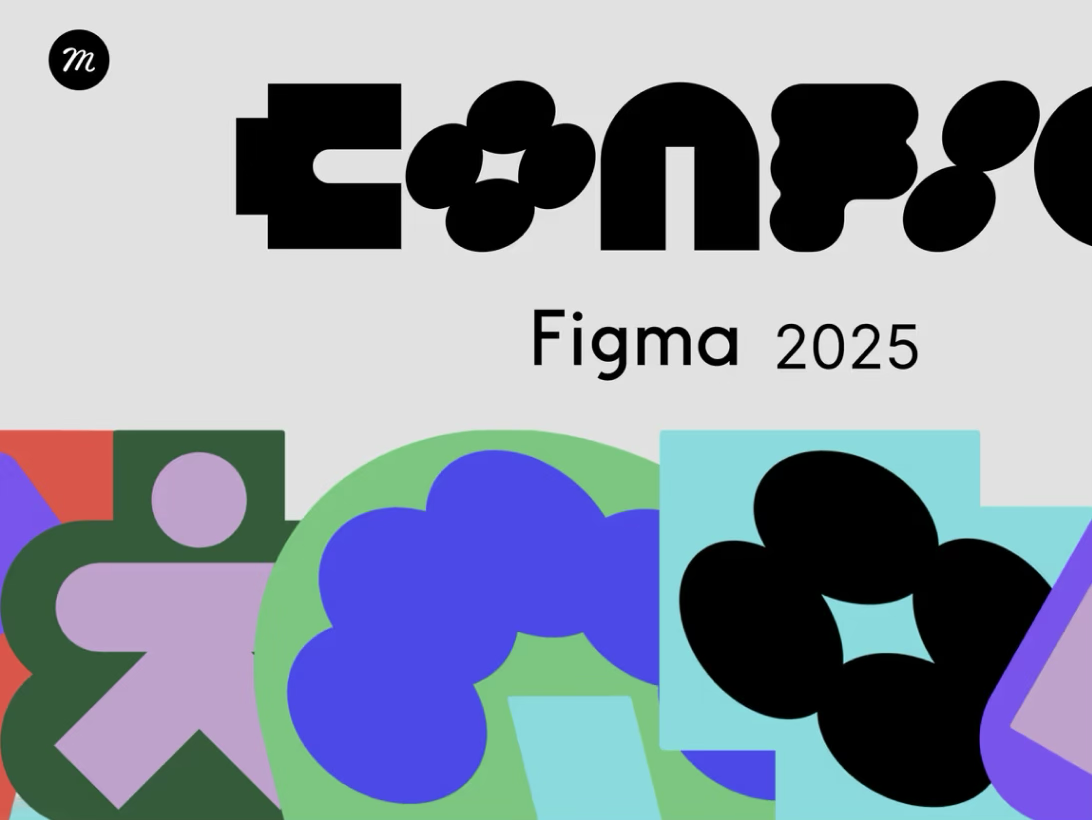
Figma Config 2025 Highlights: What Designers Need to Know (And Why It Matters)
By a Design Veteran Who’s Seen It All
If you’re a designer, developer, or creative technologist, chances are your calendar was blocked for Figma Config 2025—and rightly so. This year’s event wasn’t just a product showcase; it was a clear statement: Figma is evolving into the creative OS of the future.
As someone who's spent 15 years designing products, managing teams, and training upcoming designers, I’ve seen tools come and go. But Figma’s 2025 updates are something else—faster, smarter, and incredibly collaborative.
Here’s a crisp, insightful breakdown of the most powerful highlights from Config 2025—and what they mean for your workflow.
🧠 1. Figma AI 2.0 — Design Smarter, Not Slower
If AI 1.0 was about assistance, AI 2.0 is about augmentation.
AI Style Generator: Upload a moodboard or URL, and Figma auto-generates a style system—color palettes, font pairings, even spacing guides.
Design Autofill: AI can now auto-layout an entire screen based on a prompt like “mobile onboarding screen for a fitness app.”
UI Copy Suggestions: Context-aware microcopy suggestions that adjust tone based on your brand voice.
💬 Why it matters: It’s like having a junior designer and brand strategist in your design file—working with you in real time.
⚡ 2. Live Dev Mode Gets a Power Boost
Dev Mode isn’t a feature anymore—it’s a powerhouse.
Real-Time Code Sync with GitHub & Vercel
Interactive Tokens API: Developers can now pull token values (spacing, typography, colors) directly from Figma into their codebase
Instant Design-to-Code Previews with auto-generated React components
👨💻 Why it matters: Say goodbye to handoff docs and inconsistent UIs. Hello, continuous design-development sync.
🧩 3. Component Storage Redefined — "Design Libraries 2.0"
Figma introduces Smart Libraries, with:
Auto-Tagging: Figma now tags your components based on their function (e.g., Button, CTA, NavBar)
Usage Analytics: See which components are used, updated, or duplicated most
Cross-Org Sharing: Share components across workspaces with role-based permissions
🎯 Why it matters: This is a game changer for design ops and brand consistency.
🎨 4. Visual Variables + Tokens Integration
You can now bind variables to visual properties like border-radius, spacing, and elevation.
Light/Dark mode toggles at the token level
Tokens now work with both themes and prototypes
Global typography tokens that adapt across breakpoints
🛠️ Why it matters: More maintainable design systems, less spaghetti styling, and lightning-fast updates across the board.
🔄 5. Prototyping Gets Real-Time APIs + Data Simulation
Figma’s prototyping engine now supports live data simulation using APIs or dummy JSON.
Build dashboards, forms, and product flows that actually react
Use fetch() or dummy endpoints inside your prototype
Simulate conditions like “error state” or “user logged in”
⚡ Why it matters: Prototypes now mimic real app behavior, which means better user testing and stakeholder buy-in.
🤝 6. FigJam + Figma = Finally Seamless
Figma is merging collaboration and creation.
Convert FigJam wireframes directly into Figma screens
Sticky notes auto-generate design frames
Voting, comments, and actions now sync into your Figma workspace
📌 Why it matters: Ideation, feedback, and execution live in one unified flow.
🌐 7. Cross-Team Workflows with Branching, Merge Requests & Approvals
Finally—real version control.
Designers can now create branches, test updates, and merge with comments
Stakeholders can approve or reject changes like in GitHub
History tracking and rollback included
🧩 Why it matters: Large teams can now scale without fear of design conflicts or overwrites.
🎁 Bonus: Marketplace & Ecosystem Updates
New Plugin SDK for building deeply integrated tools
Figma introduces Revenue Share for Plugin Creators
Community files now include usage metrics and remix stats
💼 Why it matters: Figma is not just a tool—it's a platform for creators and builders.
Final Thoughts: What This Means for the Future of Design
Figma isn’t just keeping up with the industry—it’s setting the pace. Config 2025 makes one thing very clear: the lines between design, development, and strategy are blurring, and Figma is at the center of it all.
Whether you're a solo freelancer or part of a 50-person team, these new features will radically improve how fast you go from idea → execution → iteration.
💡 Pro Tip for Freelancers:
Want to showcase your MVP or brand visuals with the best Figma exports?
Check out GetMeDesign.com—a lightning-fast portfolio builder made for freelancers who move as fast as Figma does.
Follow me for more design deep dives, tool reviews, and industry insights.
Let’s build the future—pixel by pixel.